Live Stream Production Tips: How to Run a Professional Live Broadcast
In short
- A successful live stream starts with defining the goal, audience, content plan, equipment and a backup plan for technical problems in advance.
- A strong internet connection matters as much as the camera, microphone and lights; YouTube lists a minimum of 5 and a recommended 14 Mbps video bitrate for a 1080p, 30 fps stream.
- Before going live, test sound, picture, connection speed, backup systems and platform settings.
- Questions, polls and live chat increase engagement; post-stream analysis and a recording improve future broadcasts.
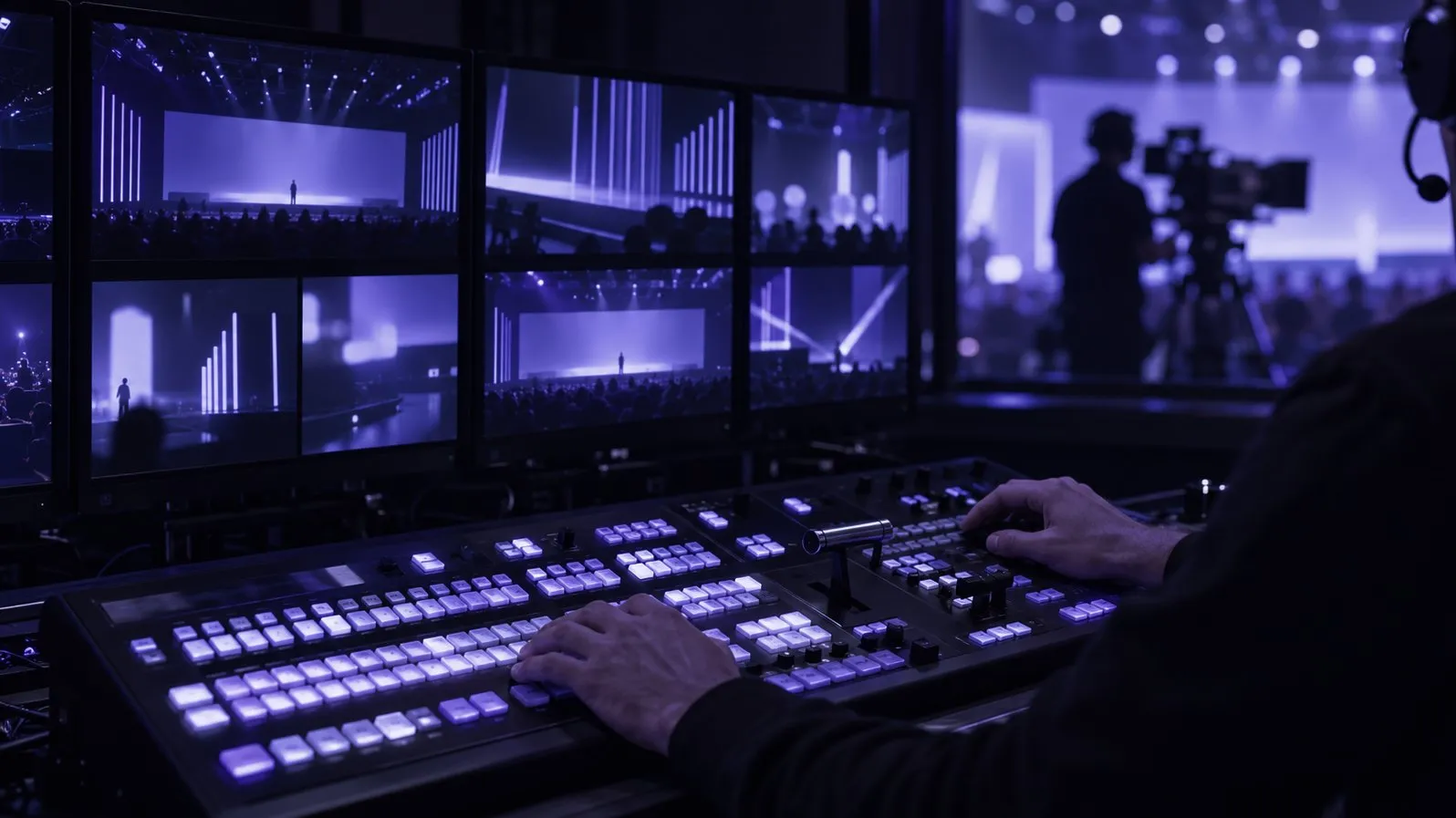
Live streaming has become one of the most effective ways to engage people online and reach an audience instantly. Now that social media platforms and video sites all offer live features, it is an attractive option for brands and creators. But an effective live stream takes careful planning and professional production. In this article we cover the production techniques and tips you need for a successful live broadcast, with practical advice from industry practice.
Preparation and planning
A successful live stream rests on detailed preparation. Decide the purpose of the broadcast, its audience, the content plan and the equipment in advance. Prepare a backup plan for technical problems that may come up during the stream. Plan the length, the participants, the talking points and any media you will use. Good preparation is what makes a live stream run smoothly and look professional.
What equipment do you need for a live stream?
The equipment you use directly affects the quality of the broadcast. A high-resolution camera gives you a sharp, professional picture, and a good microphone makes sure viewers hear clearly. A strong internet connection keeps the stream running without interruption, and lighting equipment is another key part of quality. Choosing the right equipment increases viewers’ interest and keeps them watching.
Internet connections can vary a lot from venue to venue. In Turkey, according to BTK’s data for the first quarter of 2026, fibre subscriptions reached 10.30 million, yet about 8.35 million subscribers still use xDSL, and fibre makes up 48.5% of fixed broadband (BTK, 2026). So always find out about the venue’s connection in advance, and plan a bonded mobile or backup line if it is weak.
Pre-broadcast tests and technical checks
Before you go live, run thorough tests to make sure all equipment and software work properly. Check sound, picture quality, connection speed and backup systems, and test the streaming platform’s features and settings. These tests are critical for preventing technical problems and keeping the broadcast uninterrupted.
The platforms’ own recommendations guide these checks. For a 1080p, 30 frames per second stream with H.264, YouTube lists a minimum video bitrate of 5 Mbps and recommends 14 Mbps; it advises measuring your upload speed with a speed test and always running a test stream first (YouTube Help).
Ways to increase audience interaction
One of the biggest advantages of live streaming is real-time interaction. You can increase engagement by asking viewers questions, answering theirs and running polls. Giving viewers the chance to comment or give feedback on the topic builds loyalty, and live chat and interactive content draw them further into the broadcast.
Post-stream analysis and improvement
After the stream, analyse its performance and use the data to improve future broadcasts. Look at view counts, interactions, technical issues and viewer feedback. This analysis guides the changes that make your next stream more successful. Recording the broadcast so it can be watched again also grows your content library over time and carries your brand to a wider audience.
Conclusion
Live stream production is a many-sided job that needs careful preparation, the right equipment, technical testing, audience interaction and post-stream analysis. A successful live stream is an effective way to build a strong bond with viewers and raise brand awareness. Applied well, the techniques and tips in this article will raise the quality of your live broadcasts and help you build a strong online presence.
Sources
- BTK (Information and Communication Technologies Authority of Türkiye), Electronic Communications Sector Quarterly Market Data Report, Q1 2026 (in Turkish).
- YouTube Help, Choose live encoder settings, bitrates and resolutions.
This article was adapted into English from the Turkish original. Read in Turkish
You may also like
Corporate Event Video Production: A Complete Guide from Planning to Distribution
How to produce a corporate event video: pre-event planning, professional filming, storytelling, editing and distribution, step by step.
Cinematic Visual Effects: A Creative Way to Make Your Brand Stand Out
What cinematic visual effects (VFX) do for brands: uses in commercials and digital campaigns, the production process, key tools and the trends ahead.
Commercial Production Tips: What to Get Right Before, During and After the Shoot
What matters when shooting a commercial? Target audience, creative concept, script, production, post-production and test runs: the essential steps.