Photoshop for Product Photography: Essential Editing Techniques
In short
- Photoshop is one of the most powerful tools for making product photos attractive, professional and customer-friendly after the shoot.
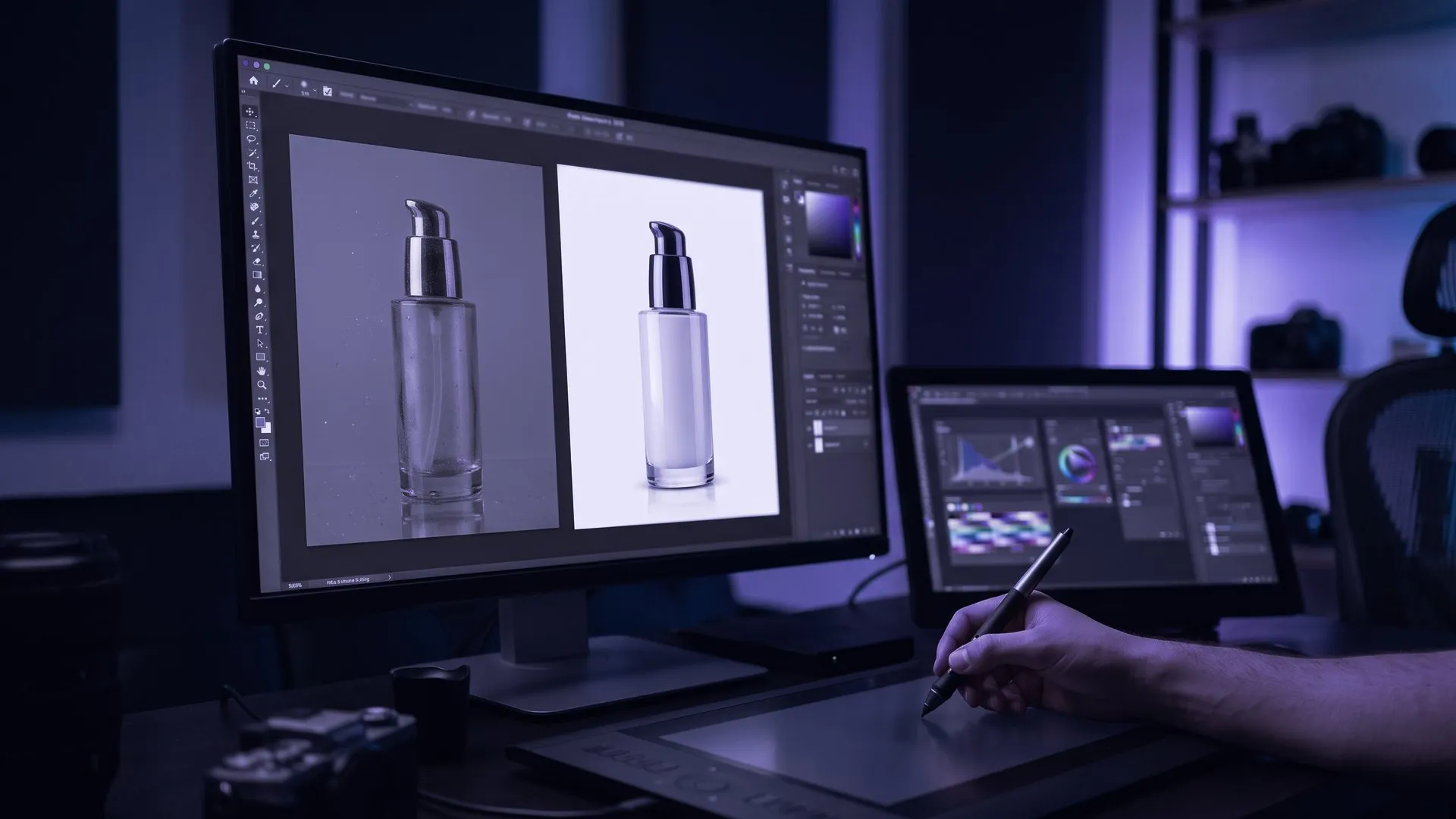
- For a white background, separate the product with the Pen, Quick Selection or Magic Wand tool; Google Merchant Center wants the product to fill 75-90% of the image.
- Color Balance, Hue/Saturation and Curves keep colours true to life; Unsharp Mask, High Pass and Smart Sharpen bring out detail.
- Clone Stamp, Healing Brush and Spot Healing Brush remove dust, marks and flaws, which matters most for jewellery, cosmetics and electronics.
Product photography sits at the heart of e-commerce and digital marketing, because it shows products at their best. Post-production is an essential step in perfecting those images, and Photoshop is the most popular and powerful tool for it. Using its core techniques well makes product photos attractive, professional and customer-friendly, so they get more attention online. In this article we cover the essential Photoshop techniques for product photography.
The audience for these photos keeps growing. In Turkey, according to the Turkish Statistical Institute (TÜİK), the share of people who bought or ordered goods or services online rose from 55.7% in 2025 to 60.0% in 2026 (TÜİK, 2026, in Turkish). Online shopping is just as established in the UK and the Gulf, where marketplaces such as Amazon and Noon set strict image standards.
How to create a white background in Photoshop
A white background is one of the most common techniques in product photography. It puts all the attention on the product and makes the image look professional. In Photoshop, separate the product from its background with the Pen Tool, Quick Selection Tool or Magic Wand Tool, then apply a clean white background.
While cleaning up the background, also watch how much of the frame the product fills and what you add to the image. Google Merchant Center asks for the product to take up at least 75% and no more than 90% of the image, and added elements such as watermarks, prices or promotional text can get an image rejected. The same guide recommends images of 1500 x 1500 pixels or larger for the best results (Google Merchant Center Help).
Colour correction and balance
Accurate colour makes a product photo realistic and appealing. Lighting conditions or shooting errors can sometimes throw colours off, and Photoshop’s colour tools fix that. Color Balance, Hue/Saturation and Curves help you set colours correctly so the product looks the way it does in real life, which also cuts returns from customers who expected a different shade.
Sharpening and clarity
Sharpening brings out detail and makes an image crisper. In Photoshop, Unsharp Mask, High Pass Filter and Smart Sharpen increase clarity and make product details stand out. Sharpening is especially effective for textured products and items where small details matter.
Editing shadows and reflections
Shadows and reflections emphasise a product’s three-dimensional shape and add depth. Adding or refining them makes the product look more realistic and professional. Layer styles such as Drop Shadow and Inner Shadow, and a duplicated, vertically flipped layer for reflections, are the usual ways to create or improve them.
How to retouch and fix flaws
Product photos can show unwanted flaws, dust or marks. Photoshop’s retouching tools remove them. Clone Stamp, Healing Brush and Spot Healing Brush fix imperfections quickly and effectively, which matters most for products that demand precision, such as jewellery, cosmetics and electronics.
Recent versions of Photoshop also include the Remove tool in the same group as the Spot Healing Brush. According to Adobe, you simply brush over the unwanted area or draw a loop around it, and depending on the selected mode the tool can also use generative AI (Adobe, 2025).
Conclusion
Photoshop is one of the most powerful editing tools in product photography. White backgrounds, colour correction, sharpening, shadows and reflections, and retouching are the core techniques that make product images professional and appealing. Applied well, they help products get noticed online and sell more, while showing them as close to reality as possible so customers can buy with confidence. For what to get right during the shoot itself, see our article on product photography tips.
Sources
- TÜİK, Survey on Information and Communication Technology Usage in Households, 2026 (in Turkish).
- Google, Merchant Center Help: Image link (image_link).
- Adobe, Photoshop: Replace distractions with Remove tool.
This article was adapted into English from the Turkish original. Read in Turkish
You may also like
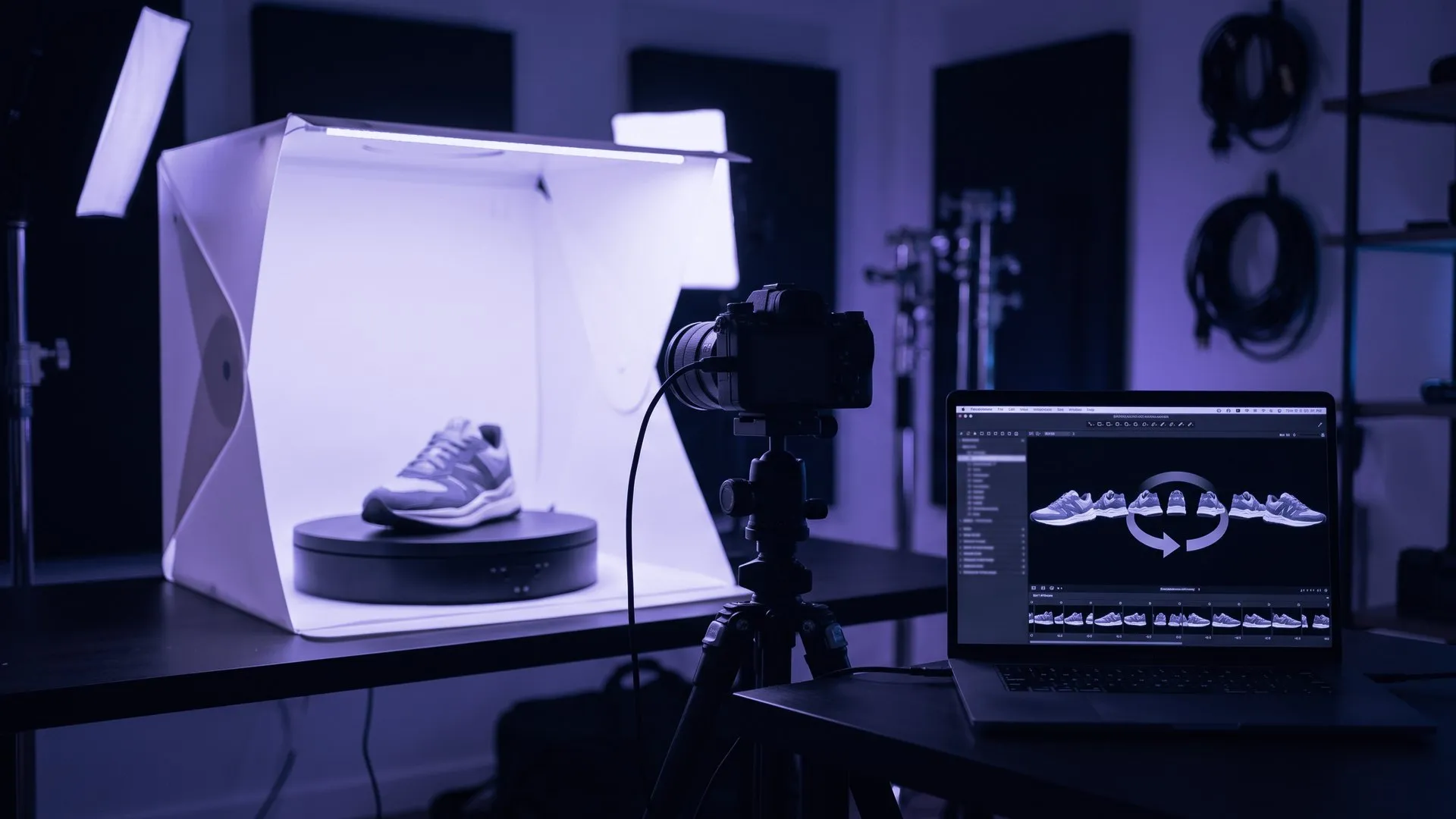
360 Product Photography: The New Standard for E-commerce
What is 360-degree product photography and how is it shot? Its effect on customer experience, returns and SEO in e-commerce, and how to use it well.

E-commerce Product Image Optimisation: How Better Images Increase Sales
How to optimise e-commerce product images: high resolution, multiple angles, 360-degree views, fast loading and image SEO with alt text and file names.
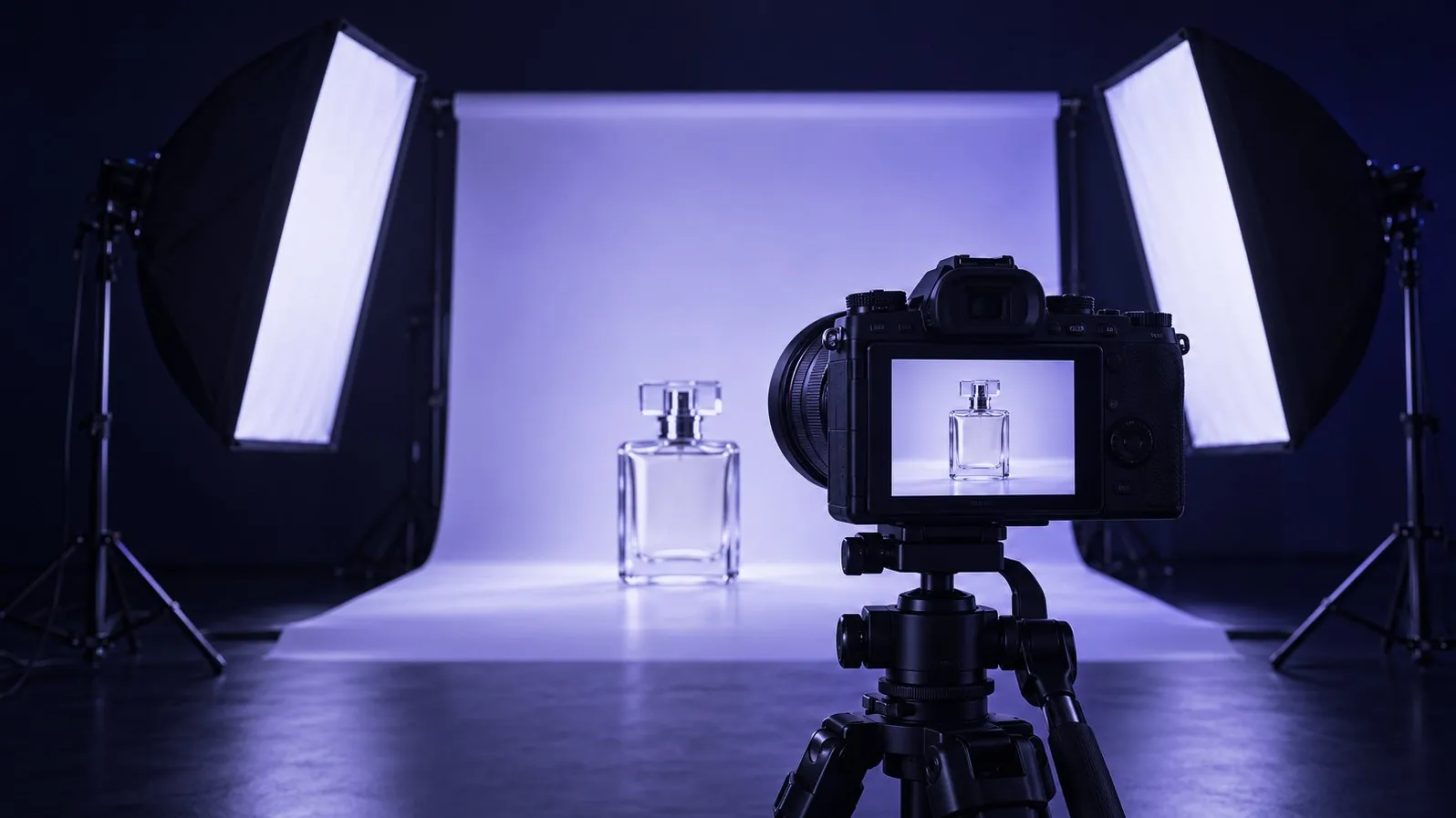
Product Photography Tips: 5 Things That Make or Break Your Product Images
Product photography tips that sell: lighting, background, angles, resolution and detail shots, plus the image rules Google Merchant Center now enforces.